Trained on logos, not stock clip art.
Vecta runs on its own proprietary model, trained specifically for logo design. That's why the output looks like a logo, not a stock design.
↗Not templates. Generate logo concepts you can edit, mock up, and
export as Vector or transparent PNG.
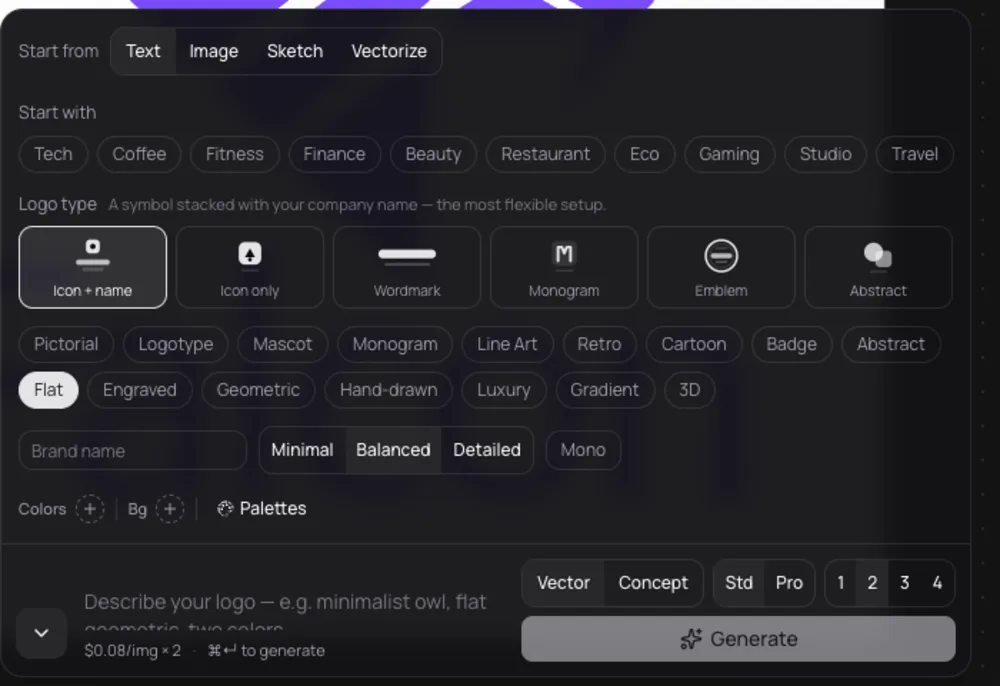
Pick one. You can switch anytime.
Write it however you want. AI will optimize your prompt
Test your idea across all logo styles, without reprompting
Get up to 4 options every time you generate.


Generate logos, edit details, and export production-ready files in one place.
Vecta runs on its own proprietary model, trained specifically for logo design. That's why the output looks like a logo, not a stock design.
↗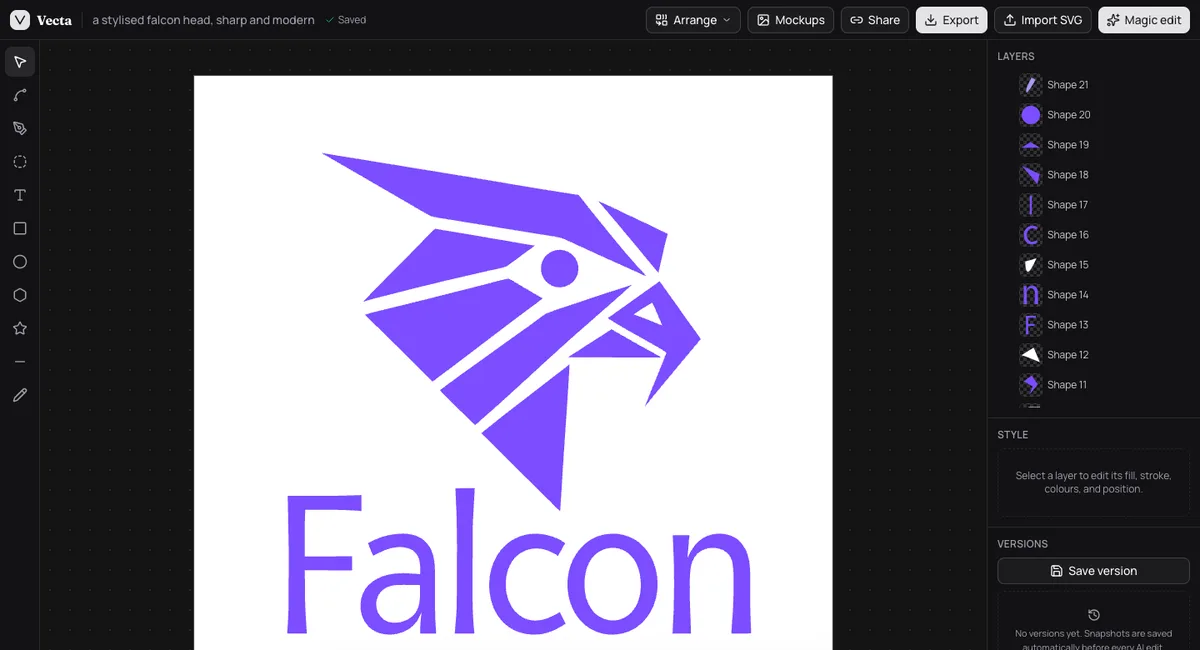
Draw directly on the canvas. Brushes, shapes, and fonts so you can guide the AI instead of just hoping for the best.
↗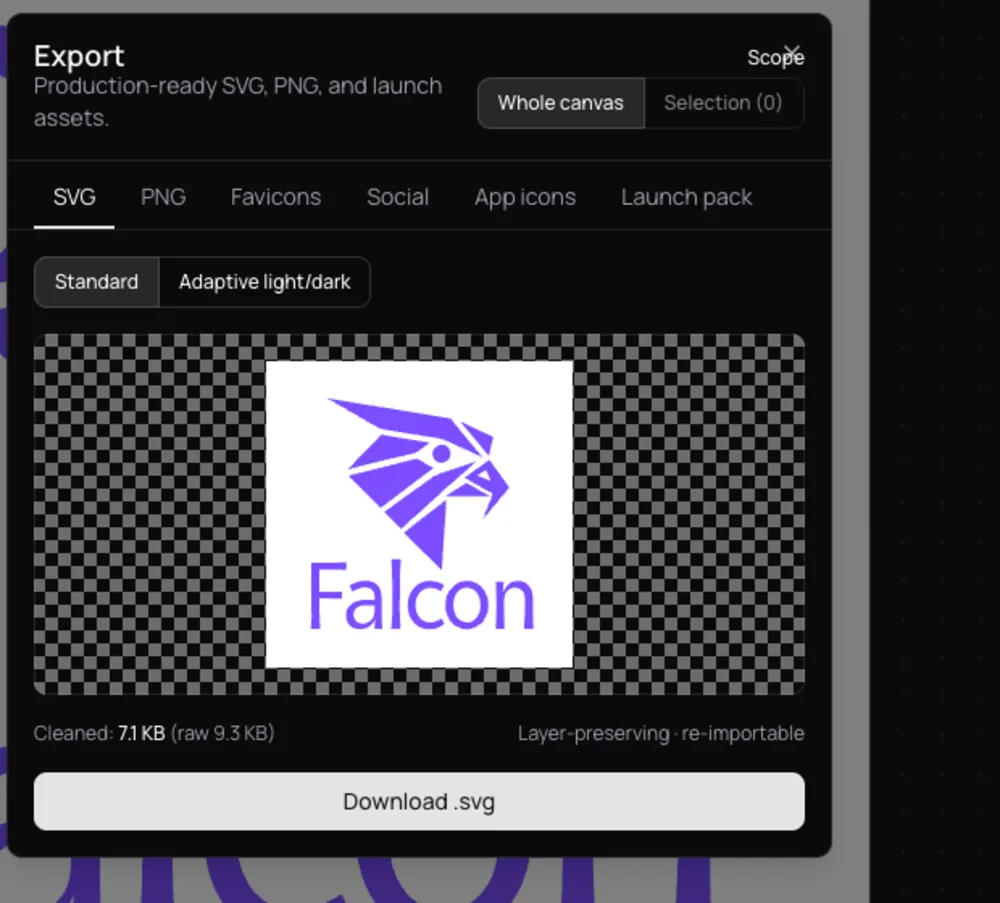
Clean SVG files with real layers. No auto-traced junk, no mystery paths.
↗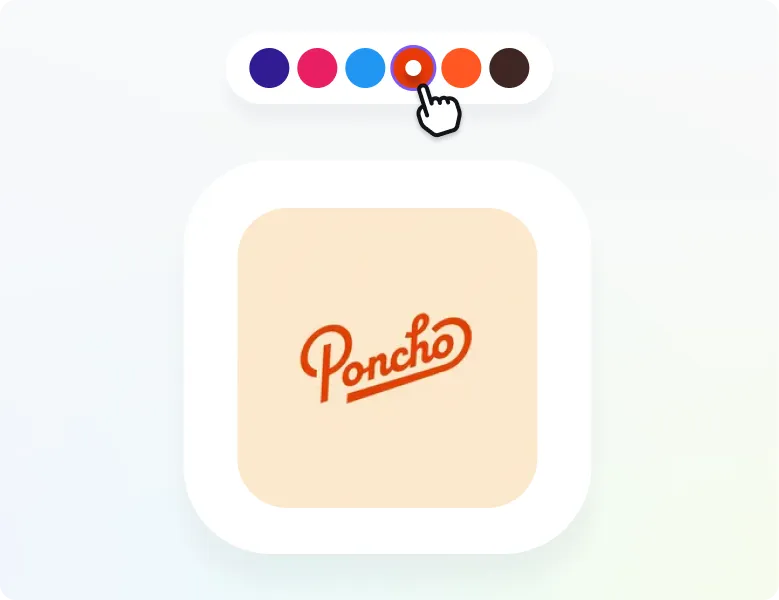
Match your existing brand palette or explore new directions.
↗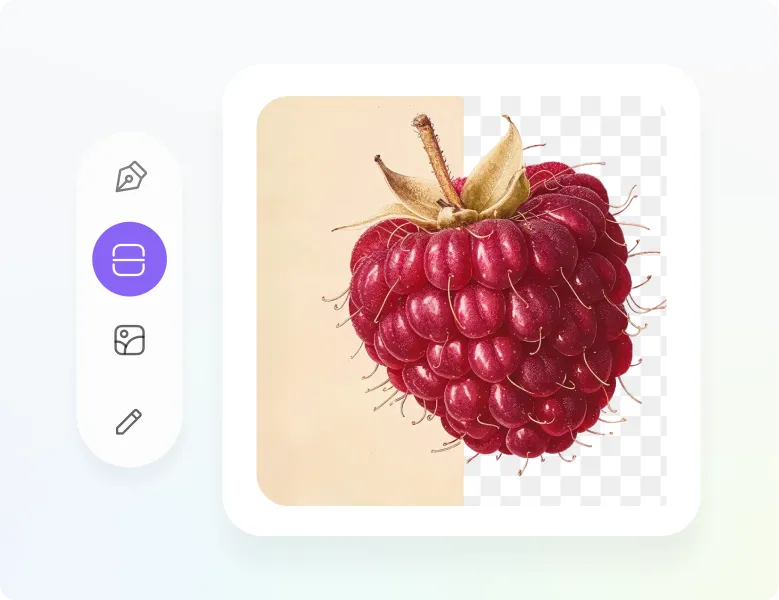
One click, transparent background. Ready for every brand asset.
↗Swap text, generate variations, build a logo system, or create an icon set.
Your logo's style stays intact the whole time.
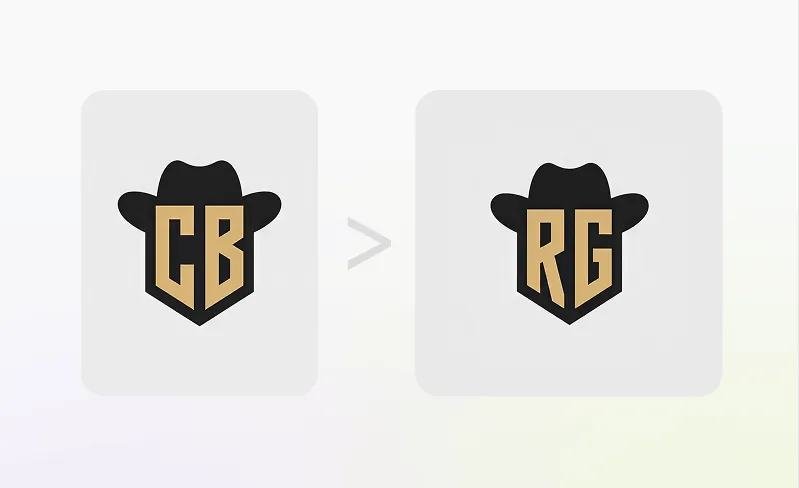
Replace words inside the logo while preserving the font, style, and layout. Everything else stays exactly as it was.
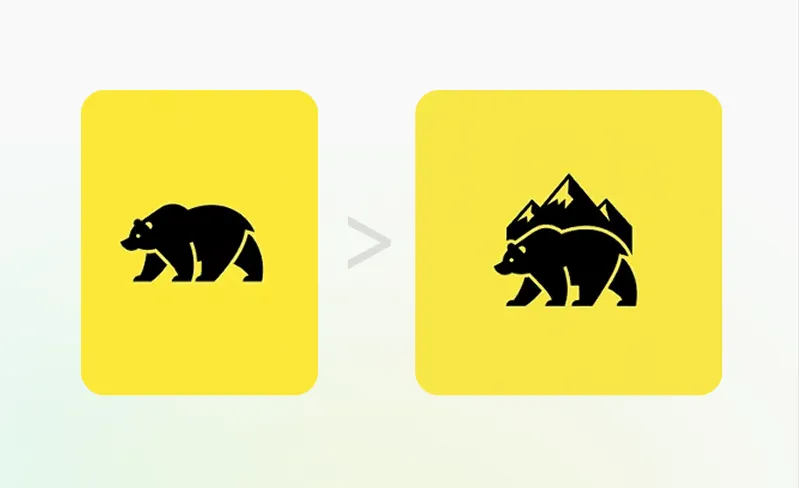
Generate variations and change individual elements while keeping the overall look and tone consistent.
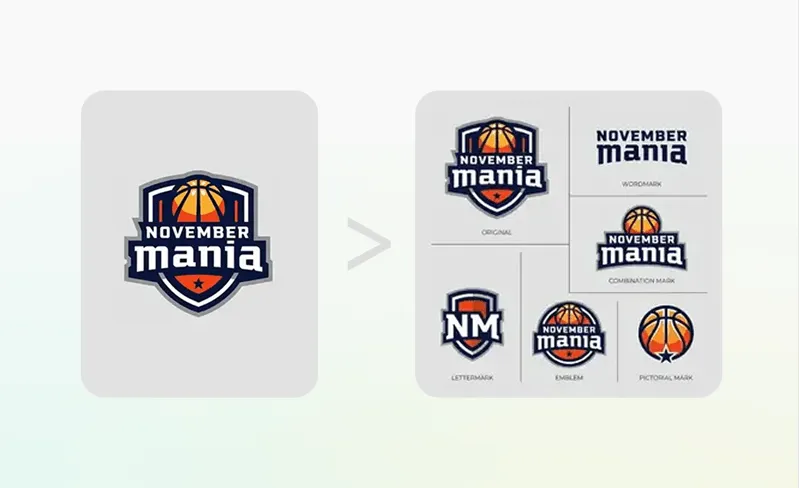
Turn one logo into a full set of lockups, marks, and layout variations.
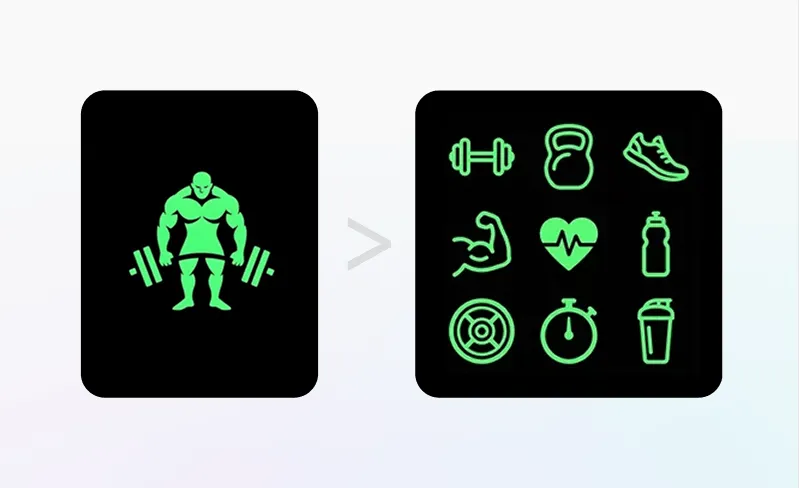
Convert your logo into a matching icon set for apps, websites, UI, and social.
Vectorize, mock up, upscale, transfer styles, and export. No separate subscriptions needed.
Every mockup is built from scratch by AI. Not your logo pasted on a stock photo.
Write a 2–3 word prompt, the AI figures out the rest. No restrictions on what you can create.
Control the shot like a real photoshoot. Dial in the look before you export.
Export at up to 4K. Sharp enough for decks, social, and print.
4,000+ logo design examples, each with the prompt behind it.
Click any logo to recreate it or edit it in the magic editor.


From freelancers to agencies, here's how Vecta fits into real workflows.
Instead of spending hours sketching variations, I generate concepts, tweak them, and finalize in a fraction of the time.
Saved monthly on average per agency after switching.
On average faster than traditional logo design workflows.
Estimate your time saved.
Adjust the inputs to match your workflow
Logo projects per month
Your hourly rate
Estimates cover concept exploration, revisions, vectorizing, and presentation assets, not discovery or client meetings.
Try it on a client brief →All of this starts at $24/monthEvery credit works in every tool — generate, edit, and export
during your plan. Cancel anytime. Your logos stay yours.
Try the real thing — generate and explore before you spend a dollar.
Start for FreeGood for exploring ideas or doing 1–2 logo projects a month.
Subscribe to BasicFor designers and freelancers doing 3–5 client projects a month.
Subscribe to ProFor agencies and teams with high-volume output.
Subscribe to EliteCan't find the answer you're looking for? Read the Help Section or reach out via our Contact page.
An AI logo generator turns your text prompt, sketch, or existing image into multiple logo options, then lets you refine the best result with built-in editing tools. Choose a starting point, pick a style, generate, adjust colours and details, and export production-ready files.
Vecta turns your idea into logo options, then lets you edit, refine, and export production-ready assets inside one toolkit. The workflow is built for fast iteration.
No. It is built for people without design experience. You choose a starting point, pick styles, and refine results with guided tools.
You can start with Text-to-Logo, Sketch-to-Logo, or Image-to-Logo and switch your starting point anytime.
Yes. Each generation can produce up to four options so you can compare directions quickly.
Vecta includes 45+ logo design styles including pictorial, mascot, monogram, badge, line art, abstract, and more.
Yes. Custom colours and palette control help you match an existing brand or explore a new direction.
Magic Editor is the refinement tool for on-brand changes, text swaps, variations, systems, and matching icon sets.
Yes. Export finished files or share visual directions with teammates and clients at any point in your workflow.
You can download transparent PNG files and clean, editable SVG vectors ready for design tools, websites, presentations, and print.
Yes. The built-in vectorizer converts approved logo artwork into layered, production-ready SVG files.
Paid plans include a commercial-use license and private generation, so you can create client and business assets with confidence.
Generate your first logo free.
No credit card, no templates.